Pipedream vs. Zapier: Which Automation Tool is Right for You?
Compare Pipedream and Zapier head-to-head. Discover key features, pricing, and use cases to choose the best automation tool for your workflow.
11 min read
Choosing the right automation platform is critical for streamlining workflows and boosting productivity. Two heavyweights dominate the no-code and low-code automation space: Pipedream and Zapier. While both aim to connect your apps and automate tasks, they cater to different user needs and technical capabilities. This deep dive will dissect their offerings, from pricing and features to performance and developer-friendliness, to help you decide which platform is the superior choice for your organization.
Core Philosophies: Developer-Centric vs. No-Code Simplicity
At their heart, Pipedream and Zapier represent distinct approaches to automation.
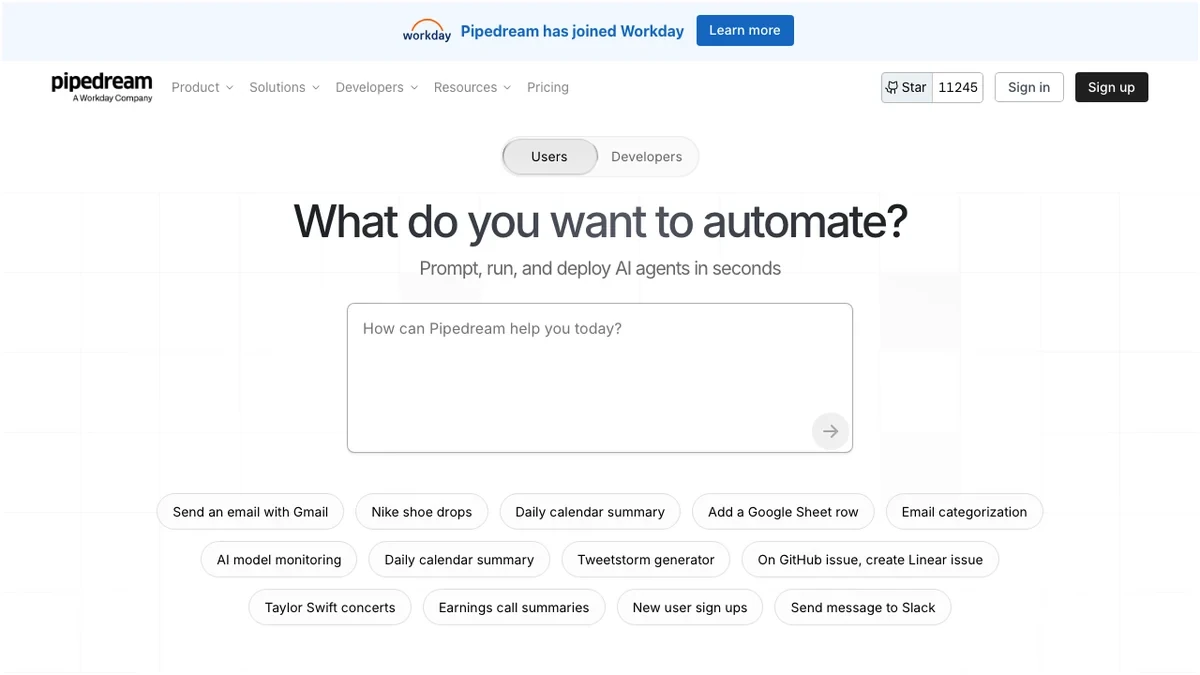
Pipedream is engineered with developers in mind. It offers a robust platform that allows for full code execution, enabling complex logic, custom API integrations, and fine-grained control. Its architecture is built for speed and efficiency, particularly for event-driven workflows. This makes it a powerful tool for technical teams looking to build sophisticated, custom automation solutions.
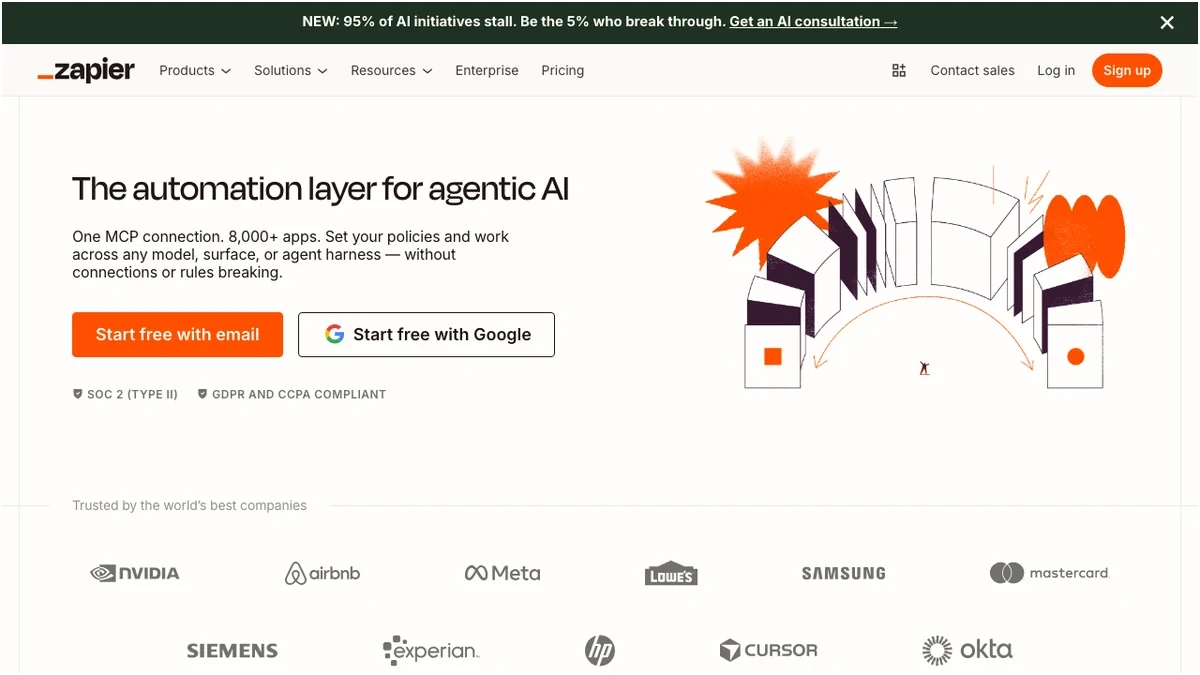
Zapier, on the other hand, champions no-code simplicity. Its intuitive interface and vast library of pre-built integrations make it accessible to users with little to no coding experience. Zapier excels at connecting everyday applications with straightforward, multi-step workflows, empowering business users to automate tasks without relying on IT departments.
Feature Showdown: Capabilities and Integrations
When comparing automation platforms, the breadth and depth of their features, especially integrations, are paramount.
| Feature | Pipedream | Zapier |
|---|---|---|
| Integrations | 3,000+ apps | 8,000+ apps (nearly 3x more) |
| Code Execution | Full code execution (Node.js, Python, etc.) | Limited code steps (Code by Zapier) |
| Latency | Low (120ms median webhook processing) | Higher (650ms median) |
| Workflow Complexity | Highly flexible, ideal for complex logic | Supports multi-step Zaps with filters/paths |
| Custom Apps | Pipedream Connect for custom app integration | Requires Zapier Platform for custom apps |
| Developer Tools | GitHub sync, extensive testing capabilities | Less developer-centric, more UI-driven |
| User Interface | Developer-focused, can have a steeper learning curve | No-code friendly, intuitive for non-technical users |
Zapier's sheer volume of integrations is a significant advantage, covering a vast array of popular SaaS applications. This means if you're using a niche or less common tool, Zapier is more likely to have a direct integration. Pipedream, while offering a substantial number of integrations, focuses on quality and flexibility, especially for developers who might need to interact with APIs directly.
Pipedream's ability to execute custom code is a game-changer for complex automation scenarios. Developers can write JavaScript, Python, or other languages directly within Pipedream workflows, allowing for intricate data transformations, custom API calls, and logic that goes beyond what a no-code interface can offer. Zapier's "Code by Zapier" step provides some coding capability, but it's more limited and less integrated than Pipedream's full code execution environment.
For event-driven architectures, Pipedream's low latency is a critical differentiator. Its ability to process webhooks rapidly makes it ideal for real-time automation triggered by events in other applications.
Pricing Models: Predictability vs. Scale
The pricing structures of Pipedream and Zapier can significantly impact your total cost of ownership, especially as your automation needs grow.
Pipedream Pricing
Pipedream utilizes a credit-based system, which can be very cost-effective for high-volume, efficient automations, but might require careful monitoring.
Zapier — Pricing Plans
Prices verified Sep 20, 2026 against the official pricing page · Zapier price history
Pipedream's generous free tier and its significantly lower cost at scale are major advantages. For instance, a plan that offers 100,000 invocations per day on Pipedream is substantially cheaper than a comparable task volume on Zapier. The credit-based system means you pay for what you use, which can be efficient if your automations are well-optimized. However, unpredictable usage can lead to unexpected costs if not managed.
Zapier Pricing
Zapier uses a task-based pricing model, which is generally more predictable for users who prefer straightforward billing.
Zapier — Pricing Plans
Prices verified Sep 20, 2026 against the official pricing page · Zapier price history
Zapier's pricing is straightforward: you pay for the number of "tasks" (actions performed by your Zaps) per month. This model is easy to understand, but it can become expensive quickly for high-volume automations. A key benefit for Zapier is that multi-step Zaps with filters and paths only count the final action as a task, making complex workflows more cost-effective than they might initially appear. However, at higher volumes, Pipedream generally offers a much more economical solution.
Pros and Cons: A Balanced Perspective
To summarize the strengths and weaknesses of each platform:
Verdict: Which Automation Platform is Right for You?
The choice between Pipedream and Zapier hinges on your team's technical expertise, the complexity of your automation needs, and your budget.
Frequently Asked Questions
Frequently Asked Questions
Try These Tools
Try Zapier free Try PipedreamSources
Advanced Use Cases and Workflow Complexity
When building beyond linear automation, the limitations of each platform become apparent. Pipedream excels at asynchronous workflows by providing built-in support for event queues and delayed execution, allowing developers to handle high-concurrency spikes without dropping requests. Its ability to maintain state across steps via a persistent data store means you can track session variables or aggregate data across hundreds of API calls without external databases.
In contrast, Zapier relies on Paths and Filters to manage branching logic. While effective for simple business logic, it struggles with deeply nested conditions or complex data manipulation. Error handling in Zapier is largely reactive; you typically rely on manual replays after a failure. Pipedream offers a more robust approach, allowing you to catch errors programmatically within the code step, trigger custom alert webhooks, or implement exponential backoff logic for retries. If your workflow requires complex state management, such as reconciling data between two asynchronous systems that do not share a common identifier, Pipedream’s ability to run custom logic on incoming event payloads provides a level of control that Zapier’s UI-constrained environment simply cannot match.
Developer Experience and Customization Depth
Pipedream treats workflows as code, which is a massive advantage for technical teams. You can write native Node.js or Python directly in the browser, import any npm or pip package, and interact with APIs that lack native platform support. This eliminates the need for middleman services like AWS Lambda or Google Cloud Functions. Authentication is handled seamlessly; you can use the platform’s built-in OAuth management to handle tokens, then access those credentials securely within your code.
For teams managing production pipelines, Pipedream allows you to sync workflows with GitHub. This enables version control, pull requests, and CI/CD workflows that Zapier does not support natively. Debugging is equally superior: Pipedream provides a detailed execution history that includes raw request/response bodies, memory usage, and execution time per step. Zapier’s debugging is limited to viewing input/output logs, which often hides the actual API call structure. If you need to implement custom headers, handle non-standard authentication schemes, or perform complex data transformations before sending a payload, Pipedream’s developer-first environment provides the necessary transparency and extensibility to get the job done without fighting the platform’s abstractions.
Security, Compliance, and Data Governance
Enterprise-grade automation requires strict control over where data lives and who can access it. Pipedream offers options for data residency, allowing you to pin execution environments to specific regions to satisfy GDPR or other local compliance mandates. Both platforms handle OAuth implementation by abstracting the handshake, but Pipedream allows for more granular control over the requested scopes, ensuring you follow the principle of least privilege.
Audit logging is a critical differentiator. Pipedream provides comprehensive logs that track every change made to a workflow, including who deployed it and what environment variables were accessed. For teams handling sensitive data, Pipedream supports encryption at rest and in transit, though it places the burden of responsible data handling on the developer. Zapier provides a more locked-down, managed environment, which is often preferred by IT departments that want to restrict what non-technical users can do. However, for organizations that need to prove compliance through detailed audit trails and rigorous access control management, Pipedream’s ability to integrate with identity providers via SSO and its granular resource-level permissions make it the more viable choice for controlled, high-stakes environments.
Frequently Asked Questions
Is Pipedream better for small businesses?
Pipedream is generally not the best choice for small businesses that lack technical resources. While the pricing is attractive, the steep learning curve required to write and debug code can quickly become a bottleneck for non-technical teams who need to build and maintain their own automations without developer assistance.
Can Zapier handle complex branching logic?
Zapier handles branching through Paths, but it becomes cumbersome and expensive as logic complexity increases. While you can perform some conditional filtering, you will quickly hit walls regarding data transformation and nested loops, often requiring you to pay for higher tiers or use external services to handle the processing.
What is the difference between a webhook and a native integration?
A native integration is a pre-built connector that handles API authentication and data mapping for you, while a webhook is a raw, event-driven signal sent from one application to another. Webhooks offer much higher performance and real-time capabilities but require you to manually parse and structure the incoming data.
Do these tools require dedicated IT staff?
Zapier is designed to be managed by business users, requiring minimal IT oversight, whereas Pipedream essentially functions as a serverless development platform. If your workflows involve custom code, API orchestration, and strict security compliance, you will need a developer or dedicated IT resource to manage the Pipedream environment effectively.