Zapier vs Power Automate: Which Automation Tool is Right for You?
Compare Zapier and Power Automate features, pricing, and ease of use. Find the best automation solution for your business needs in our in-depth guide.
7 min read
Choosing the right automation platform is critical for streamlining workflows and boosting productivity. Two titans dominate this space: Zapier and Microsoft Power Automate. While both aim to connect your apps and automate tasks, they cater to different needs and ecosystems. This deep dive will dissect their capabilities, pricing, and ideal use cases to help you make an informed decision.
Core Functionality and Integration Breadth
At their heart, both Zapier and Power Automate are designed to create automated workflows, often referred to as "Zaps" in Zapier and "flows" in Power Automate. These workflows trigger actions based on specific events in connected applications.
Zapier boasts an unparalleled breadth of integrations, connecting over 7,000 apps. This makes it the go-to choice for businesses heavily reliant on a diverse SaaS stack. Its strength lies in its simplicity and ease of use, allowing non-technical users to build multi-step automations with logic paths without writing a single line of code. Connectors are generally auto-maintained, reducing IT overhead.
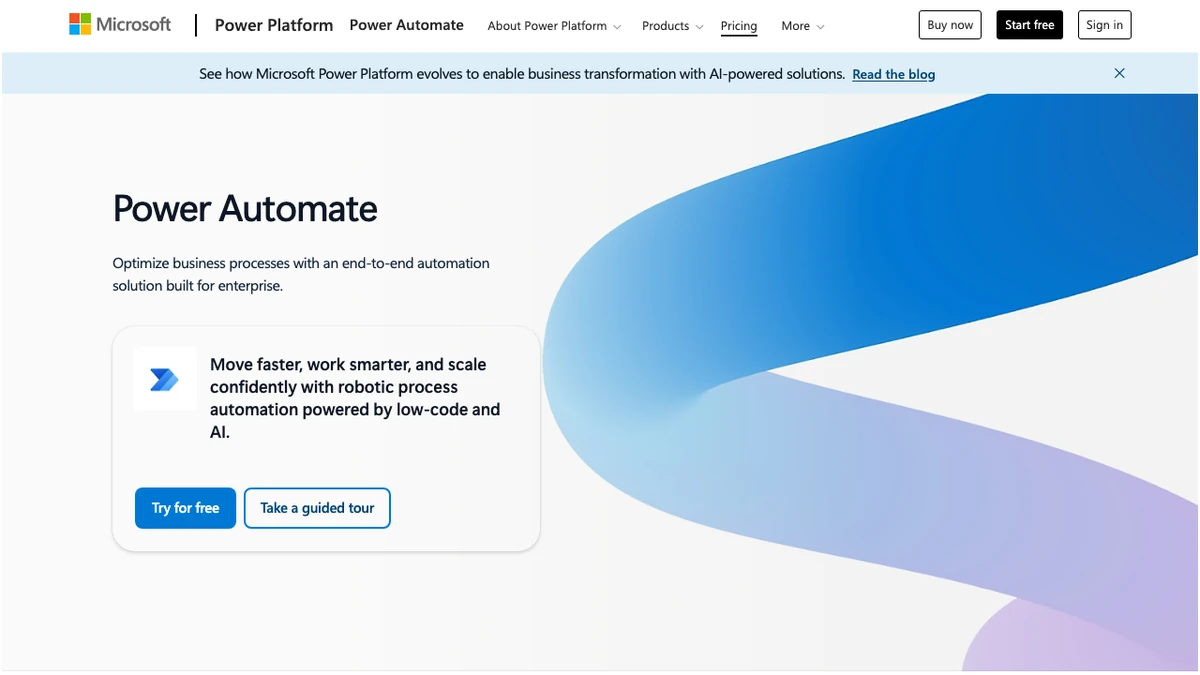
Power Automate, while offering a robust set of integrations, truly shines within the Microsoft ecosystem. Its deep integration with Microsoft 365 applications like Teams, SharePoint, and Outlook, as well as Azure services, provides a seamless experience for organizations already invested in Microsoft products. Beyond standard app integrations, Power Automate offers powerful Robotic Process Automation (RPA) capabilities and AI Builder, setting it apart for more complex automation scenarios.
| Feature | Zapier | Power Automate |
|---|---|---|
| App Integrations | 7,000+ (broad SaaS) | Strong Microsoft integration, growing non-Microsoft |
| Ease of Use | High (no-code) | Moderate to High (can require specialists) |
| Multi-step Workflows | Yes | Yes |
| Logic Paths | Yes | Yes |
| Robotic Process Automation (RPA) | No (natively) | Yes (attended & unattended) |
| Process Mining | No | Yes |
| AI Capabilities | Limited (via integrations) | Yes (AI Builder) |
| Microsoft Ecosystem Integration | Standard | Deep and native |
| Enterprise Governance | Basic | Advanced |
Pricing Models: Task-Based vs. User/Bot-Based
The pricing structures of Zapier and Power Automate represent a fundamental difference in how they are billed and, consequently, who they are best suited for.
Zapier employs a task-based pricing model. Each action performed by a Zap counts as a task. This can be very cost-effective for users with low to moderate automation needs. However, for high-volume workflows, costs can escalate quickly.
- Free: $0 (100 tasks/month, basic automations)
- Professional: $19.99/month (2,000 tasks, multi-step workflows)
- Team: $69/month (up to 25 users, shared workspaces)
- Enterprise: Custom (admin controls, SSO, dedicated support)
Power Automate offers a more tiered approach, often bundled with Microsoft 365 subscriptions, making it attractive for existing Microsoft customers. Its pricing is more complex, especially when factoring in premium connectors, RPA, and process mining.
- Basic: Included with Microsoft 365 (standard connectors, limited flows)
- Premium: $15/user/month (premium connectors, unlimited cloud flows, attended RPA)
- Process (per bot): $150/bot/month (unattended RPA)
- Hosted Process (per bot): $215/bot/month (with Azure VM support)
- Process Mining: $5,000/month per tenant
Zapier — Pricing Plans
Prices verified Sep 20, 2026 against the official pricing page · Zapier price history
Robotic Process Automation (RPA) and Advanced Features
A significant differentiator is Power Automate's robust RPA capabilities. RPA allows for the automation of repetitive, rule-based tasks performed on a computer's user interface, mimicking human actions. Power Automate offers both:
- Attended RPA: Bots that work alongside human users, assisting with tasks. This is included in the Premium license.
- Unattended RPA: Bots that run autonomously on virtual machines or dedicated servers, ideal for background processes. This requires the Process license at $150 per bot per month.
Zapier, on the other hand, does not offer native RPA functionality. While it can integrate with RPA tools, it cannot perform desktop automation directly.
Furthermore, Power Automate includes Process Mining, a powerful tool for analyzing business processes to identify bottlenecks and areas for improvement. It also features AI Builder, allowing users to incorporate AI models into their workflows for tasks like form processing, text classification, and object detection. Zapier's AI capabilities are typically achieved through integrations with third-party AI services.
Pros and Cons: A Direct Comparison
To summarize the strengths and weaknesses of each platform:
Who Should Choose Which?
The decision between Zapier and Power Automate hinges on your organization's specific needs, existing technology stack, and technical expertise.
Choose Zapier if:
- You rely heavily on a diverse range of SaaS applications outside the Microsoft ecosystem.
- Your team is primarily non-technical and needs a user-friendly, no-code solution.
- Your automation needs are primarily focused on connecting cloud-based applications.
- You have a predictable, lower volume of automation tasks.
Choose Power Automate if:
- Your organization is deeply invested in the Microsoft 365 ecosystem.
- You require robust RPA capabilities for desktop automation.
- You need advanced features like process mining and AI integration.
- Enterprise-grade security and governance are paramount.
- You have technical resources or a willingness to invest in Power Platform specialists.
Frequently Asked Questions
Frequently Asked Questions
Try These Tools
Try Zapier free