Tabnine Vs Github Copilot: Complete Comparison & Guide
Comprehensive comparison of tabnine vs github copilot with detailed pricing, features, pros and cons. Updated 2026-04-15.
8 min read
The landscape of AI-powered coding assistants has matured significantly, and at the forefront stand two titans: Tabnine and GitHub Copilot. As of April 2026, the choice between them isn't just about which offers better code suggestions; it's a complex decision involving privacy, deployment flexibility, pricing tiers, and the underlying AI models driving their capabilities. This deep dive will dissect each tool, arming you with the data to make an informed decision for your development workflow.
Core AI and Feature Set: The Engine Under the Hood
At their core, both Tabnine and GitHub Copilot leverage advanced AI models to understand your code and provide intelligent suggestions. However, their approaches and capabilities diverge.
GitHub Copilot, powered by OpenAI's cutting-edge models like GPT-4.5 and Claude Opus, excels at understanding broader context and generating more complex code snippets. Its integration with the GitHub ecosystem is seamless, offering a familiar environment for many developers. Copilot Chat, in particular, has set a high bar for conversational AI within the IDE, capable of explaining code, suggesting refactors, and even debugging across multiple files.
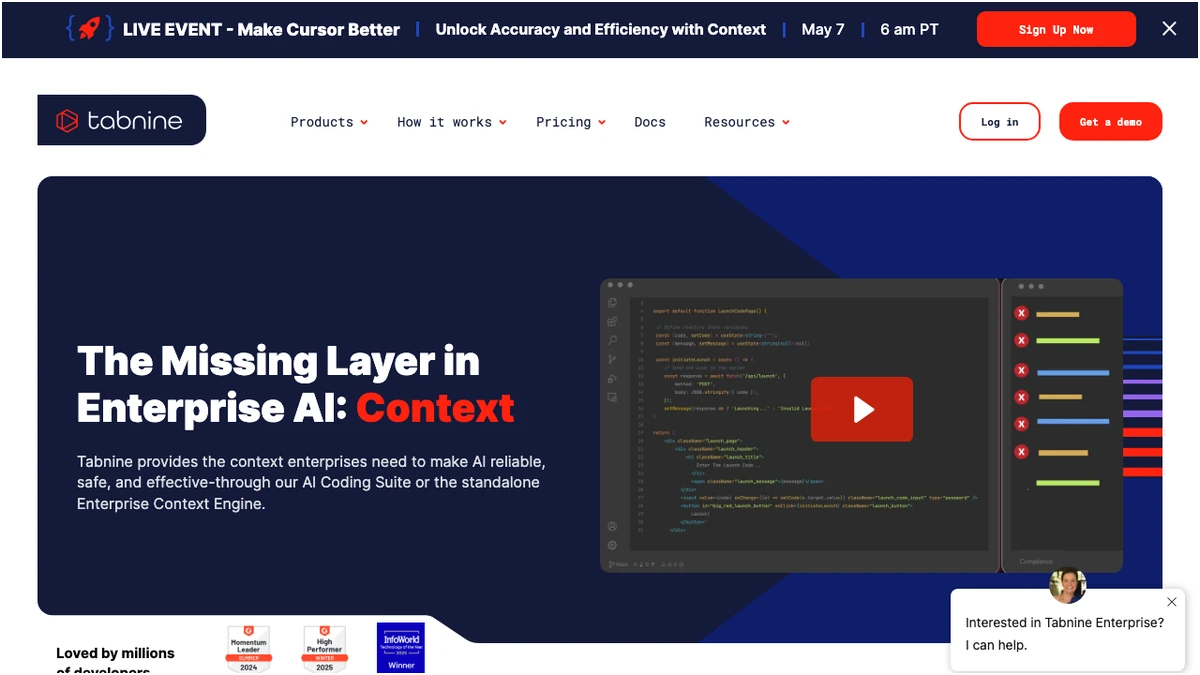
Tabnine, on the other hand, employs a proprietary AI model, augmented by custom models tailored for specific needs. Its strength lies in its unwavering commitment to code privacy. Tabnine guarantees that it never trains on your proprietary code, a critical differentiator for organizations with stringent data security policies. Furthermore, Tabnine offers a self-hosted deployment option for its enterprise clients, providing an air-gapped solution that is simply not available with Copilot. This makes Tabnine a compelling choice for highly regulated industries or companies that cannot afford any cloud-based data leakage.
| Feature | Tabnine | GitHub Copilot |
|---|---|---|
| Primary AI Model | Proprietary + Custom Models | OpenAI Codex/GPT-4, GPT-4.5, Claude Opus |
| Code Privacy | Never trains on your code, Self-hosted option | Opt-out available on paid plans |
| Chat Functionality | AI Chat built-in | Copilot Chat (Excellent, Multi-file Context) |
| IDE Support | VS Code, JetBrains, and more (30+ languages) | VS Code, JetBrains, Neovim |
| Enterprise Deployment | On-premise, Custom Training, Air-gapped | Cloud only, Team Management |
Pricing: Value for Individuals and Teams
When it comes to cost, the picture is nuanced. Both tools offer tiered pricing structures designed to cater to individual developers, small teams, and large enterprises.
For individual developers, GitHub Copilot generally presents a more attractive price point. Its Pro Individual plan is $10 per month or $100 annually. Tabnine's Pro Individual plan is slightly higher, ranging from $9 to $12 per month, depending on the specific plan. However, Tabnine's free "Dev Preview" tier offers basic completions and chat capabilities, making it a robust entry point for developers who want to try an AI assistant without immediate financial commitment. GitHub Copilot's free offering is more limited, providing 2,000 completions and 50 chat messages per month, which can be quickly exhausted.
For teams, the picture has changed significantly. GitHub Copilot streamlined its public tiers to individual plans only (Pro and Pro+); team access now requires GitHub Enterprise Cloud, which is priced higher than the old $19 Business tier. Tabnine's Business plan remains at $39 per user per month with included self-hosted and air-gapped options — a cleaner path for teams with strict data control requirements.
As of early 2026, GitHub Copilot introduced Copilot Pro+, a premium tier at $39 per month, granting access to GPT-4.5 and Claude Opus for enhanced capabilities. Tabnine responded by enhancing its Dev plan to $9 per month, incorporating AI agents and multi-model support. Enterprise pricing for both has largely stabilized around $39 per user per month, with Tabnine heavily emphasizing its air-gapped deployment capabilities for this tier.
GitHub Copilot — Pricing Plans
Prices verified Sep 20, 2026 against the official pricing page · GitHub Copilot price history
Privacy and Security: A Tale of Two Philosophies
This is arguably the most significant point of divergence. Tabnine's core value proposition revolves around privacy. Its "never trains on your code" policy is a powerful statement for developers and organizations concerned about intellectual property. The availability of self-hosted enterprise deployments means that sensitive codebases can remain entirely within an organization's network, completely isolated from external servers. This is a non-negotiable for many in finance, healthcare, and government sectors.
GitHub Copilot, while offering opt-out controls in its paid plans to prevent training on your code, operates primarily as a cloud-based service. While Microsoft has invested heavily in security, the fundamental architecture means code data is processed on their servers. For most individual developers and many businesses, this is perfectly acceptable. However, for those with extreme security requirements, the cloud-only nature of Copilot is a hard stop.
IDE Support and Ecosystem Integration
Both tools boast broad IDE support, ensuring they fit into most existing development environments.
- Tabnine: Offers extensive support for VS Code, JetBrains IDEs (IntelliJ IDEA, PyCharm, etc.), and many other popular editors. Its strength lies in its broad compatibility across a wide array of tools and languages.
- GitHub Copilot: Primarily targets VS Code and JetBrains IDEs, with added support for Neovim. Its integration with the GitHub platform is its key ecosystem advantage, offering a cohesive experience for developers already invested in GitHub workflows.
Verdict: Who Wins in 2026?
The "better" tool is entirely dependent on your specific needs and priorities.
Frequently Asked Questions
Frequently Asked Questions
Try These Tools
Try GitHub Copilot