Pabbly Connect vs Make: Which Automation Tool is Right for You?
Compare Pabbly Connect and Make (Integromat). Discover which automation platform best fits your business needs and workflow requirements.
10 min read
Choosing the right automation and integration platform is crucial for streamlining operations and boosting productivity. Two prominent contenders in this space are Pabbly Connect and Make (formerly Integromat). While both aim to connect your applications and automate tasks, they approach this goal with distinct philosophies, pricing models, and feature sets. This deep dive will dissect Pabbly Connect vs Make, arming you with the data to make an informed decision.
Core Differences: Simplicity vs. Complexity
At their heart, Pabbly Connect and Make cater to different automation needs.
- Pabbly Connect excels at straightforward, rule-based, one-to-two-step automations. Its architecture is designed for users who need to connect apps for simple data transfers, notifications, or basic conditional logic. The emphasis here is on cost-effectiveness for these common use cases.
- Make is built for complexity. It's a powerhouse for intricate, multi-step workflows that involve loops, advanced conditional logic, data manipulation, and extensive API interactions. If your automation needs are sophisticated and require deep customization, Make is engineered for that.
This fundamental difference impacts everything from pricing to the learning curve.
Pricing Models: A Tale of Two Philosophies
The way Pabbly Connect and Make charge for their services is a significant differentiator.
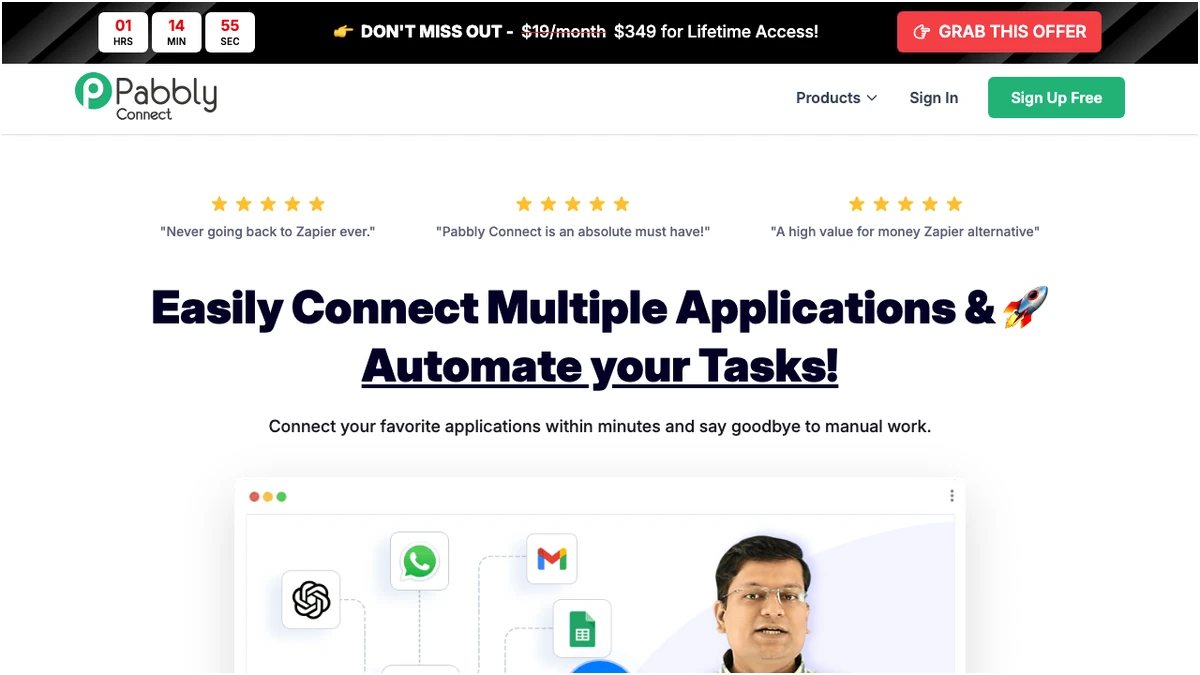
Pabbly Connect Pricing
Pabbly Connect's pricing is primarily based on tasks per month. A key advantage is that triggers and internal steps do not count towards your task limit. This makes it incredibly cost-effective for automations where the trigger is frequent but the subsequent actions are few.
| Plan | Cost | Tasks Per Month | Features |
|---|---|---|---|
| Free | $0/month | 100 | Unlimited workflows, team members, full feature access, all 2000+ app integrations |
| Standard | $16/month | 10,000 | All premium features, instant webhooks, multi-step workflows, formatters, routers, filters, email parser |
| Pro | $33/month | 20,000 | Same as Standard |
| Unlimited | $69/month | Unlimited | Same as Standard |
| Lifetime | $249-$699 | Varies by tier | Permanent access, no recurring charges |
Note: Pabbly Connect's pricing structure often requires an annual commitment for paid plans, with the lowest annual cost being $192/year for their Standard plan. However, they do offer attractive lifetime deals.
Make Pricing
Make's pricing is based on operations per month. Crucially, both triggers and actions (modules) incur charges. This means even a simple two-step automation (e.g., Trigger -> Action) will consume two operations. Routers and paths also count as operations on each execution.
| Plan | Cost | Operations Per Month | Features |
|---|---|---|---|
| Free | $0/month | 1,000 | Testing and simple automations |
| Core | $9/month | 10,000 | Unlimited scenarios, API access |
| Pro | $16/month | 10,000 | Priority execution, advanced features |
| Teams | $29/month | 10,000 | Team collaboration tools, shared templates |
| Enterprise | Custom | Unlimited | Dedicated support, advanced security |
Note: Make offers more flexible monthly subscription options, starting at a lower entry point than Pabbly Connect's paid plans.
Feature Comparison: Where They Shine and Where They Lag
Let's break down key features to see how Pabbly Connect and Make stack up.
App Integrations
- Pabbly Connect: Offers access to 2000+ apps across all plans, including the free tier. There are no restrictions on app access, meaning you can connect to any supported application regardless of your subscription level.
- Make: App access is bifurcated by plan. While Make boasts a large number of integrations, access to premium apps is often restricted to higher-tier plans. This can be a significant limitation if your workflow relies on specific, less common applications.
Team Collaboration
- Pabbly Connect: Team members are accessible on all plans, including the free plan. This is a major advantage for small teams or individuals who need to collaborate on automations without incurring extra costs.
- Make: Team collaboration features are only available in the Teams plan ($29/month) and above. If you're on a lower-tier plan and need to work with colleagues, you'll need to upgrade.
Scenario/Workflow Sharing
- Pabbly Connect: You can create, share, and clone scenarios across all plans, including the free tier. This makes it easy to replicate successful automations or share templates with others.
- Make: Scenario sharing is limited to the Teams and Enterprise plans. This restricts the ability to easily distribute or reuse workflows for users on lower-tier plans.
Routers and Logic
- Pabbly Connect: Routers are free and unlimited per workflow. You can build complex branching logic without worrying about per-execution charges for these routing steps.
- Make: Routers/paths are charged as operations on each execution. This can significantly increase the operational cost of complex workflows with multiple decision points.
Workflow Complexity and Execution
- Pabbly Connect: While it supports multi-step workflows, it's best suited for straightforward, 1-2 step automations. For highly complex, multi-step automations with extensive logic, the task count can escalate quickly. However, for simple workflows, Pabbly Connect can offer up to 3x more workflow executions compared to Make for the same task count due to its free trigger model.
- Make: Is designed for complex, multi-step workflows. Its interface and features like iterators, aggregators, and richer mapping allow for compressing complex logic into fewer operations, making it more efficient for intricate tasks. It's particularly cost-effective for API-heavy workflows with pagination and data transformation.
Data Checks
- Pabbly Connect: No charges for data checks. This means you can perform as many data validations or lookups as needed without impacting your task count.
- Make: Data checks consume operations. Each check will count as an operation, potentially adding to your monthly costs.
| Feature | Pabbly Connect | Make |
|---|---|---|
| Pricing Model | Tasks per step; triggers and internal steps are free | Operations per module execution; both triggers and actions are charged |
| App Integrations | 2000+ apps accessible across all plans | App access bifurcated by plan; premium apps only in higher tiers |
| Team Collaboration | Available on all plans | Available on Teams plan ($29/month) and above |
| Scenario Sharing | Available across all plans | Available on Teams and Enterprise plans |
| Routers/Logic | Free and unlimited per workflow | Charged as operations on each execution |
| Workflow Complexity | Best for straightforward, 1-2 step automations | Designed for complex, multi-step workflows |
| Data Checks | No charges | Consume operations |
Pros and Cons: A Balanced View
Pabbly Connect
Make
Verdict: Which Tool is Right for You?
The choice between Pabbly Connect and Make hinges entirely on your specific automation needs and budget.